
-
-
Understanding Google’s indexing process is key to making your blog visible.
-
Use Google Search Console to submit and monitor your blog posts for indexing.
-
Optimize your blog structure and content for better crawlability and indexation.
-
Regularly check and maintain your index status to ensure continued visibility.
-
Address common indexing issues to keep your blog posts highly discoverable.
Fast Track Your Blog’s Visibility
Let’s dive right in. You’ve got this amazing blog, you’re churning out content like a pro, but there’s a catch – no one’s seeing it. Why? Because if Google hasn’t indexed your posts, they’re as good as invisible. Now, you might be wondering, “How do I get Google to notice my blog?” That’s exactly what we’re going to tackle.
Understand How Google Indexing Works
Imagine Google as a giant library and your blog posts as books. Before a book can be borrowed, it needs to have a spot on the shelf, right? That’s what indexing is – it’s Google putting your blog posts on its virtual shelves for people to find when they search. Google uses ‘crawlers’ to discover new posts and updates to add to its index. So, your first job is to make sure your blog is crawler-friendly.
-
Make sure your website is accessible to Google’s crawlers.
-
Use clear and descriptive titles and headings.
-
Update your blog regularly with fresh, quality content.
Most importantly, don’t block Google’s crawlers with incorrect use of a robots.txt file or noindex tags unless you have a good reason. These can be like putting a ‘Do Not Enter’ sign on your blog for Google.
Effective Use of Google Search Console
Google Search Console is like your blog’s best friend. It’s a free tool that shows you how Google sees your site. It can also help you spot issues that might be keeping your posts from being indexed. Here’s what you need to do:
-
Sign up for Google Search Console.
-
Add and verify your blog.
-
Use the URL Inspection tool to see if your post is indexed.
If you find that a post isn’t indexed, you can request Google to index it right from the Search Console. And here’s a pro tip: always make sure your blog’s sitemap is submitted to Google Search Console. This is like giving Google a map of your blog so it can find all your posts more easily.
Example: After publishing your latest post on ’10 Best Gardening Tips,’ head over to Google Search Console, use the URL Inspection tool, and hit ‘Request indexing.’ It’s that simple to get Google’s crawlers to take a look at your new content.
Let’s move on. We’ve covered the basics, but there’s more to this story.

Now, let’s talk strategy. We know that Google loves connections, and by that, I mean internal links. They’re like the roads that connect cities; without them, how can anyone find where they need to go?
Internal Linking Strategies to Boost Indexing
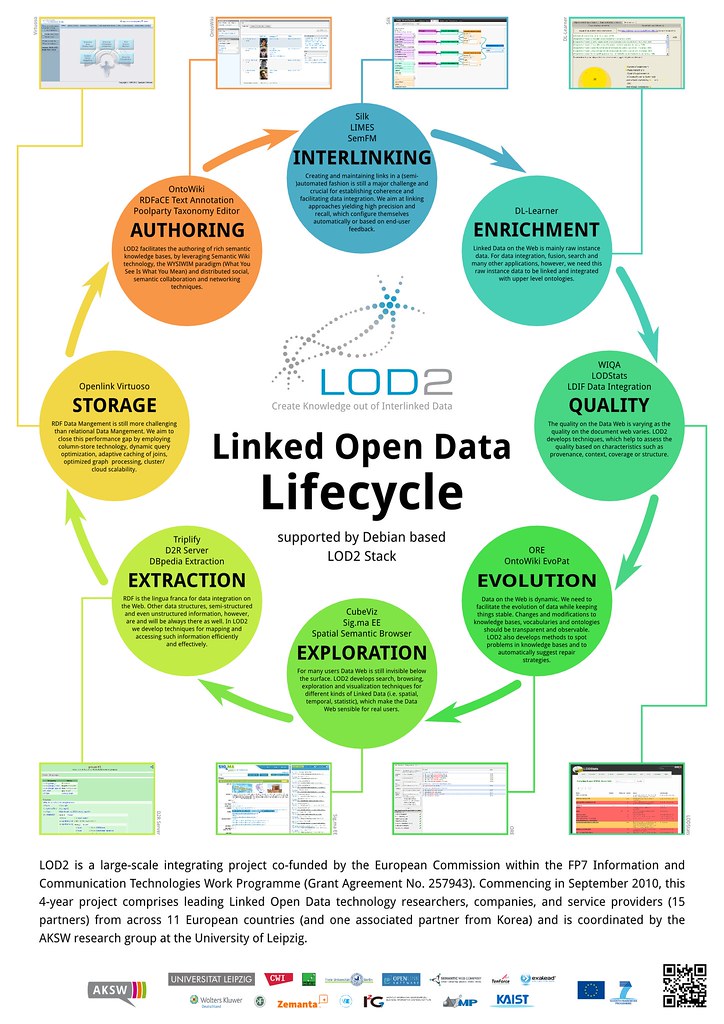
Internal linking does more than just improve user navigation. It’s a signal to Google about which pages are important and how they relate to each other. Plus, it helps crawlers find new content. So, when you write a new post, link back to it from your older, already indexed posts. But remember, relevance is key. Link to content that truly connects with the topic at hand.
-
Link from high-authority pages to new or important content.
-
Use descriptive anchor text that gives an idea of what the linked page is about.
-
Regularly check for broken links – they can hinder Google’s crawlability.
Besides that, a well-structured blog with a clear hierarchy can make a world of difference. Your homepage should link to main category pages, which in turn link to individual blog posts. This creates a clear path for Google’s crawlers and your readers alike.
Content is King: Making Your Posts Irresistible to Google
Content is what it’s all about. It’s not just about writing what you think is interesting; it’s about creating what others are searching for. And when you hit that sweet spot, Google takes notice. Learn more about content generation using the TAO Platform:

To better understand how to make your content stand out, consider reading about 9 proven ways to get Google to index your website right away.
Creating Content with Indexation in Mind
Think like a librarian. What kind of book would stand out to you? One with a clear title, a well-organized table of contents, and a summary that tells you exactly what you’re going to get. The same goes for your blog posts. Make them easy to read, with clear headings, subheadings, and a logical flow of ideas. Remember, the easier it is for humans to understand, the easier it is for Google’s algorithms too.
Utilizing Keywords and Meta Tags for Quicker Discovery
Keywords are like beacons that signal to Google what your post is about. But it’s not about stuffing your content with as many keywords as possible. It’s about choosing the right ones and using them wisely. Place them in your title, headings, and throughout your content where they naturally fit.
Meta tags are another piece of the puzzle. They’re the bits of text that describe your page’s content to search engines. The two you should focus on are:
-
Title tags: These are the headlines you see in search results. Make them catchy and include your main keyword.
-
Meta descriptions: These are the short page descriptions under the title in search results. They should give a clear overview of your post and also include your keyword.
By getting these elements right, you’re essentially rolling out the red carpet for Google’s crawlers.
Stay Ahead of the Game: Periodic Monitoring and Maintenance
Keeping your blog’s visibility is not a set-it-and-forget-it kind of deal. It’s more like tending to a garden; it needs regular care and attention. For more insights, explore our guide on boosting your Google ranking with SEO-friendly images.
One of the best ways to stay on top of things is by keeping an eye on your blog’s index status. Google Search Console is your go-to for this. It’ll show you exactly which pages are indexed and which aren’t.
-
Log into Google Search Console regularly to check your index status.
-
Look out for any crawl errors that might prevent indexing.
-
Keep an eye on your sitemap status to ensure it’s up to date and error-free.
And remember, the digital world is always changing. What worked yesterday might not work tomorrow, so stay informed and adapt your strategies accordingly.
Regularly Check Your Index Status in Google Search Console
So, you’ve been publishing content and following all the best practices, but you’re not seeing the results. It’s time to play detective. Head back to Google Search Console and check the Coverage report. This will tell you if your pages are indexed or if there are any issues you need to fix. And the sooner you catch these, the less impact they’ll have on your visibility.
Updating Content and Re-indexing
Just like a store changes its window display, you should keep your content fresh. Update old posts with new information, images, or videos. This not only provides value to your readers but also gives Google a reason to re-crawl and re-index your pages. After updating, go back to Google Search Console and request re-indexing. This is like sending Google an invite to come check out your new stuff.
Quick Recap: Best Practices for Fast Indexing
Here’s the gist of what we’ve covered: To ensure your content is indexed quickly by Google, it’s important to follow certain best practices. For a more detailed exploration of these methods, check out our step-by-step content creation guide that can help improve your site’s visibility.
-
Make your blog accessible and crawler-friendly.
-
Use Google Search Console to your advantage.
-
Structure your blog and link internally with a clear strategy.
-
Create engaging content with indexation in mind.
-
Stay proactive with monitoring and updating your blog.
Common Pitfalls to Avoid in Blog Post Indexing
Even with the best intentions, mistakes can happen. Here are some common pitfalls to watch out for:
-
Don’t neglect your website’s mobile-friendliness. More people are searching on mobile devices than ever before.
-
Avoid slow loading times. If your blog takes too long to load, both users and crawlers may bounce.
-
Steer clear of duplicate content. It can confuse crawlers and dilute your SEO efforts.
-
Keep track of your backlink quality. Bad links can harm your credibility and visibility.
Armed with this knowledge, you’re well on your way to ensuring that Google crawls your content quickly, making your blog posts the stars of the search engine show. Remember, consistency is key, and the more you nurture your blog’s SEO, the more visible it will become.
Key Takeaways
-
Understanding Google’s indexing process is key to making your blog visible.
-
Use Google Search Console to submit and monitor your blog posts for indexing.
-
Optimize your blog structure and content for better crawlability and indexation.
-
Regularly check and maintain your index status to ensure continued visibility.
-
Address common indexing issues to keep your blog posts highly discover
able
FAQs
How long does it usually take for a new blog post to be indexed?
Typically, it can take anywhere from a few days to a few weeks for a new blog post to be indexed by Google. However, by following the best practices outlined in this article, you can expedite the process and potentially see your posts indexed much quicker.
Can I index my blog posts if I’m using a free blogging platform?
Yes, you can index blog posts even if you’re using a free blogging platform. The key is to ensure your blog is set to be visible to search engines, which is a setting most blogging platforms offer.
What are the signs that my blog post is not indexed properly?
If your blog post isn’t indexed properly, it won’t appear in search engine results. You can also use Google Search Console’s URL Inspection tool to check the index status of your post directly.
Does adding multimedia elements affect my post’s indexation speed?
Adding multimedia elements like images and videos can enhance user engagement, but they should be optimized properly. Large files can slow down page loading times, which may negatively impact indexation speed.
Indexing your blog posts quickly is essential for driving traffic and improving visibility in search engine results. By following a few simple steps, you can ensure that Google crawls and indexes your new content promptly. This can be particularly important if you’re covering timely topics or trying to capitalize on trending keywords. To get started, check out this guide on how to index blog posts on Google quickly for some effective strategies.


Leave a Reply